
Skip to content

Remove background

Remove the background from any photo

Get a clean cutout of people, products and pets in one tap. Save it as a transparent PNG, place it on a solid color, blur the original background, or let AI Scene generate a brand-new background around your subject.

Download on theApp Store

4.3 on the App Store (106 ratings)Free download

Remove background
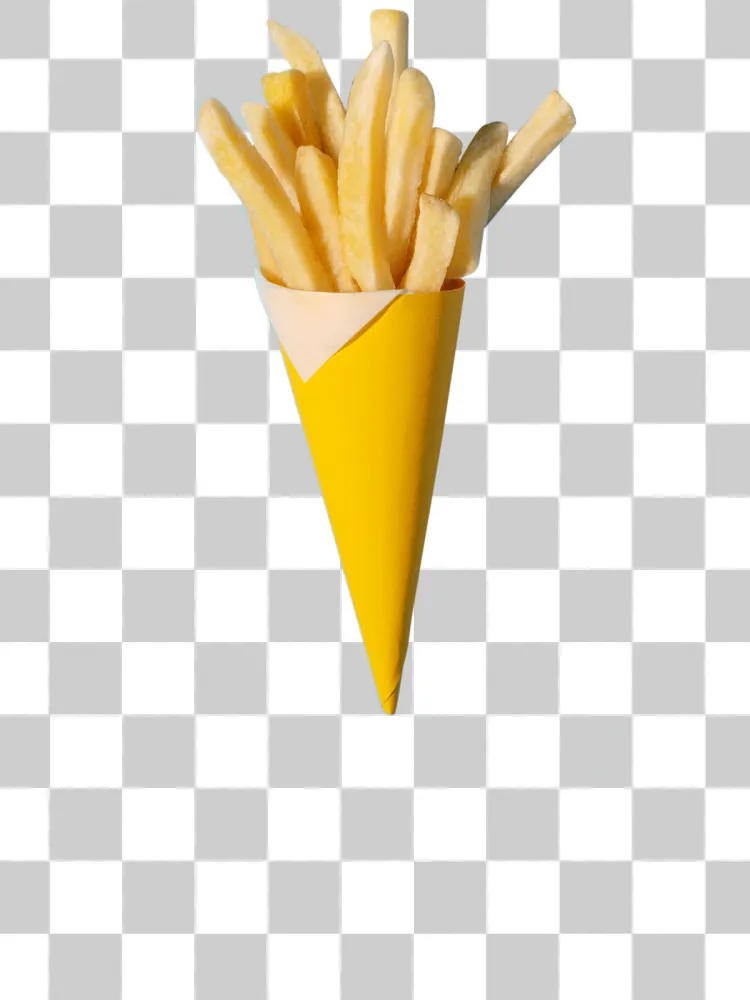
After: Background removed from a photo of fries, leaving a transparent cutout
Before: Background removed from a photo of fries, leaving a transparent cutout
BeforeAfter

How to remove a background

  1. 1

    Pick a photo

    Open Magic Eraser and choose Remove Background.

  2. 2

    Let AI cut it out

    The subject is detected and separated automatically, hair and edges included.

  3. 3

    Save or restyle

    Save a transparent PNG, choose a color, blur the background, or tap AI Scene for a new setting.

Made for sellers, profiles and stickers

Product photos for marketplaces, clean profile pictures, stickers for messages, and cutouts for collages, all without a desktop editor.

AI Scene: a new background around your subject

Describe or pick a setting (studio, beach, city at night) and AI Scene generates a background around your cutout with matching light, so the result looks like one photo, not a sticker on a backdrop.

Frequently asked questions

Can I save a transparent background?

Yes. Save the cutout as a PNG with transparency, ready for Keynote, Canva, marketplaces or stickers.

Does it work with hair and fur?

Yes. The AI segmentation keeps fine edges like hair and fur. Very busy backgrounds may need a second try.

Can I change the background instead of deleting it?

Yes. Choose a solid color, a blurred version of the original, or generate a new one with AI Scene.

Make it disappear.

Download Magic Eraser and clean up your first photo in seconds.

Get it on the App Store